
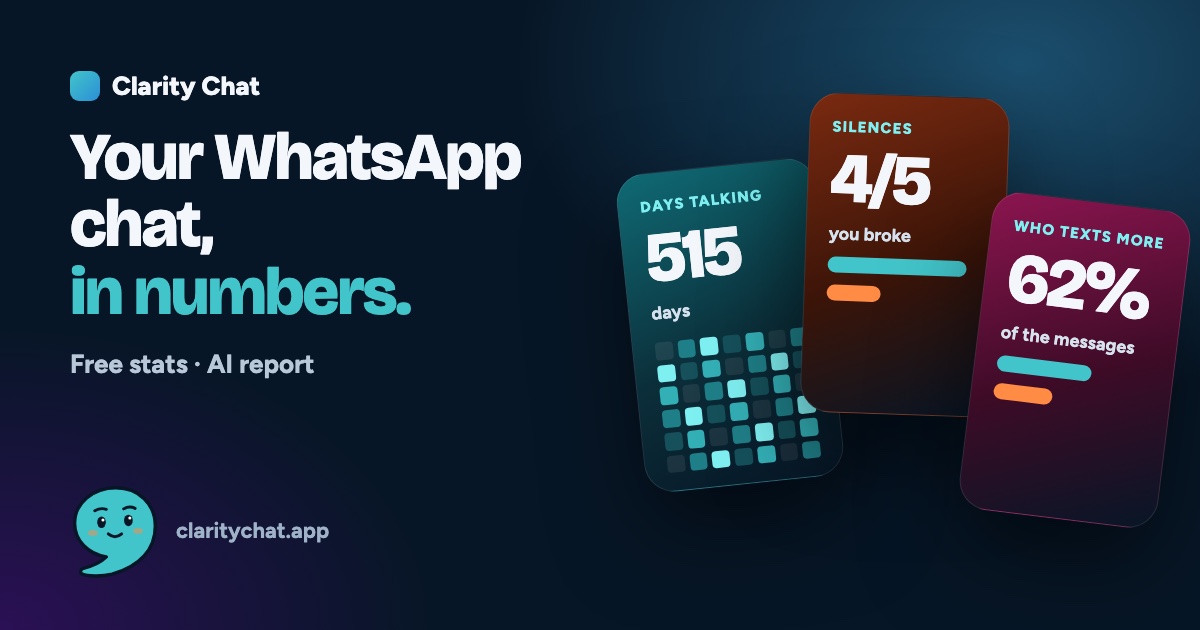
WhatsApp does not show statistics for a conversation, but the exported chat contains everything needed to calculate them: every message has a date, a time and a name. From that you can see who writes more, who usually starts, how quickly each person replies and who breaks the silences. It is the idea behind a WhatsApp Wrapped: your chat's year, in numbers.
Get your WhatsApp chat statistics
- Open the chat in WhatsApp and choose Export chat, Without media.
- Save the .zip or .txt file on your phone or computer.
- Open claritychat.app/report/ and upload the file.
- Pick which name is yours and read your stats, ready in about 30 seconds.
What numbers a WhatsApp chat can give you
Once a chat is exported, every line can be counted. Some numbers are simple totals; others say something about the rhythm of the relationship. These are the ones Clarity Chat calculates for a one-to-one conversation:
- Messages and words per person, and each person's share of the chat.
- Who starts a conversation after a pause of several hours, and who usually has the last word.
- Typical reply time for each person, and how it changes month by month.
- The longest silences, how many days they lasted and who wrote first to break them.
- The busiest day, the longest streak of consecutive days, favorite hours and how much happens after 10 pm (22:00).
- Most used emojis and words, laughs, calls and the first time someone wrote I love you.
How to get them for free
First export the chat: open it in WhatsApp, tap the name (iPhone) or the three dots and More (Android), then Export chat and Without media. Our step-by-step export guide covers both phones and the usual problems.
Then open claritychat.app/report/ and upload the file. The statistics are calculated in your browser, so the conversation itself is not sent anywhere. You get them as a set of story-style cards you can flip through and, if you like, save as an image to share without the messages.
Reading the numbers without overthinking
Statistics are honest about what happened in the chat and silent about why. If one person sends 62% of the messages, that may mean they care more, or that they write in five short bursts while the other sends one long paragraph. Look at words per message next to the message count before drawing conclusions.
The same goes for timing. A slow reply time can reflect work shifts, time zones or a habit of answering at night. Changes are usually more telling than levels: a reply time that triples in one month, or a person who used to start most conversations and stopped, is worth noticing. Calls and time spent together are not in the chat, so a quiet week may simply be a week you saw each other.
Silences and who breaks them
Long silences are often the most interesting part of a chat. They mark arguments, busy periods, trips or the moment something cooled down. Who writes first afterwards says something about who carries the effort of reconnecting, especially when it is always the same person.
One silence means little on its own. A pattern across many silences, or a silence that starts right after a plan or an important message, is the kind of thing worth a closer look.
When numbers are not enough
Numbers can show that something changed but not what was said when it did. If you want that part, Clarity Chat can write a report on what is really going on in the conversation, quoting the actual messages and the dates where things shifted. The beginning of the report is free and the full report costs 5.99 €, paid once. Only for that report is a selection of text messages read by the AI; photos, audio and phone numbers are never sent, and the report is kept behind a private link for 30 days.
Whichever you use, treat the result as a second look at the chat, not a verdict about the other person. If a conversation makes you feel unsafe, talk to someone you trust or a support service rather than relying on statistics.
Questions about this guide
Does WhatsApp have built-in chat statistics?
No. WhatsApp only shows storage used per chat. To see who writes more or reply times you need to export the chat and use a tool that reads the file.
Is there a WhatsApp Wrapped for 2026?
WhatsApp does not make one, but you can create your own: export the chat and upload it to claritychat.app/report/ to see your conversation's numbers as story cards, free.
Do the statistics work for group chats?
Clarity Chat is built for conversations between two people. For a group, export the individual chat with the person you are interested in.